

I’ll be upfront: I went into ManyChat skeptical that “automated DMs” could feel anything but robotic. A month of actually running it changed my mind on some things and confirmed my doubts on others. Here’s my honest Manychat Review.
Setting It Up: My First Impressions
I connected my Instagram account first since that’s where most of my actual engagement happens. The setup itself was fast, genuinely under ten minutes from signup to my first automation being live.
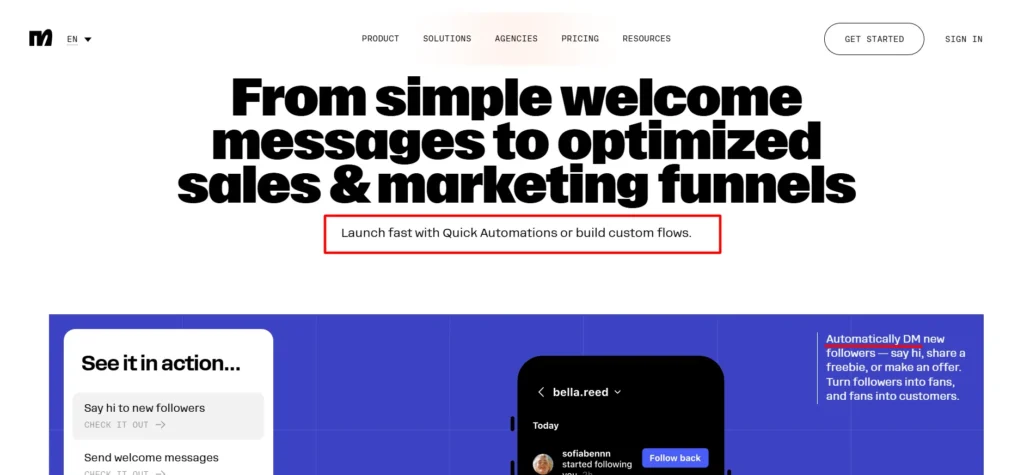
ManyChat ships with more than 60 ready-made templates for common use cases: replying to comments, greeting new followers, sending links in DMs automatically. I started with a “comment to DM” flow, someone comments a keyword on a post, they automatically get a DM with a link, since that’s the single most common use case I see creators actually run.
Building it visually was genuinely intuitive. You drag blocks around, connect them, and preview exactly what a user would see at each step. No code, no confusing logic trees you need documentation to understand.
Where It Actually Impressed Me
The comment-to-DM automation I mentioned above is where ManyChat earns its reputation. I ran a test post with a simple “comment SEND and I’ll DM you the link” call to action, and watched replies come in and DMs go out within seconds, faster than I could’ve manually kept up with even if I’d been glued to my phone. Over about a week of testing, that single automation handled several hundred interactions I would’ve either missed entirely or answered hours late.
The AI-powered conversation feature, available starting on the Pro plan, is genuinely more capable than I expected. You feed it information about your business and tone of voice, and it responds to DMs, answers FAQs, and replies to positive comments automatically.
I was bracing for generic, obviously-scripted responses. What I got instead was responses that actually referenced specifics from my “trained” business info rather than defaulting to filler. It’s not flawless, occasionally a response felt slightly off-tone, but it cleared my bar for “good enough to not embarrass me” more consistently than I expected.
The Unified Inbox
Once automations are running, replies and unhandled conversations land in ManyChat’s Inbox, viewable across every connected channel in one place, mobile app or desktop.
On the free plan you get a basic version; paid tiers add labels, reminders, and eventually shared team assignments on Business and Advanced. I found myself checking the Inbox daily just to catch the conversations automation couldn’t (or shouldn’t) fully handle, nuanced customer questions, complaints, anything requiring actual judgment.
Channels: How Many You Actually Get
This is where plan tier matters a lot. Free and Essential both cap you at connecting any 2 channels from Instagram, TikTok, Messenger, or Telegram. Pro bumps that to 3 channels and adds WhatsApp and SMS to the eligible list.
Business and Advanced unlock every channel simultaneously. If your actual strategy spans Instagram plus WhatsApp broadcast campaigns, you’re looking at Pro minimum, not Essential, worth knowing before you pick a plan based on price alone.
AI Features Beyond Conversations
Manychat AI isn’t just the conversational reply feature. It’s positioned across the product now as a broader layer, helping with everything from suggesting automation improvements to powering the “smart” responses in comments and DMs.
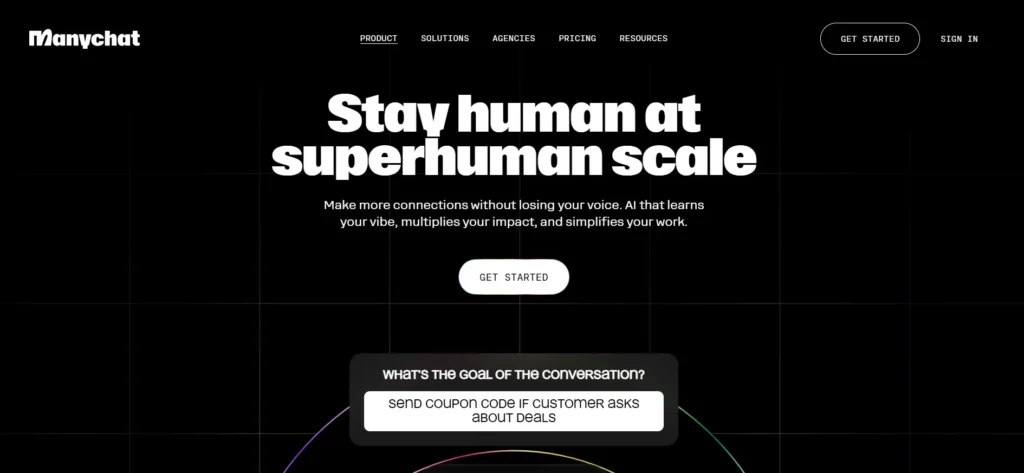
It’s a genuinely different product than the ManyChat I remember from a few years back, when it was purely a visual flow builder. The AI layer is the real 2026 story here.
What ManyChat Actually Is
ManyChat is a chat marketing automation platform, founded back in 2015 and now headquartered out of Austin, Texas, though the team’s genuinely spread across offices in Barcelona, Yerevan, São Paulo, and Amsterdam too. It’s grown into a serious operation: more than $159 million raised, over 1 million businesses and creators using it across 170-plus countries, and the platform reportedly powers over a billion conversations a year at this point.
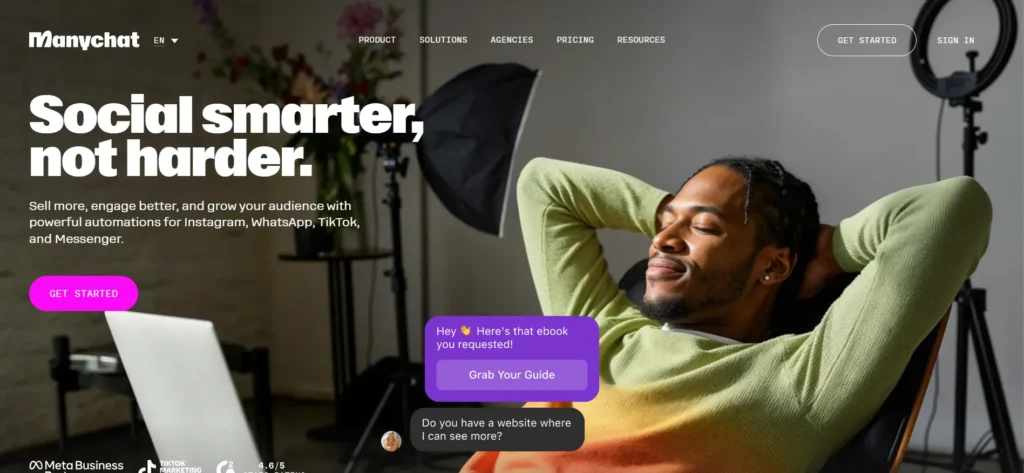
It’s also one of the few companies that’s both an official Meta Business Partner and an official TikTok partner, which matters more than it sounds, since it means the integrations aren’t reverse-engineered workarounds that could break overnight.
The core pitch is simple: instead of manually replying to every DM and comment, you build automated flows that handle it for you, across Instagram, WhatsApp, Messenger, TikTok, Telegram, SMS, and email.
Where It Fell Short for Me
Here’s my honest gripe: the free plan’s “Powered by Manychat” branding on your first message to every contact is a real friction point if you’re trying to look polished from day one. It’s a reasonable business model, free tools need to make money somehow, but it’s worth knowing upfront rather than discovering it after you’ve already built out flows.
The other thing that took getting used to: Active Contacts, ManyChat’s core pricing metric, count anyone you interact with that month, not total messages sent. One person messaging you fifty times still counts as one Active Contact.
That’s actually generous once you understand it, but I initially assumed higher message volume meant higher cost, and had to recalibrate my mental model of what I was actually paying for.
Real Customer Results (Worth a Grain of Salt)
ManyChat’s own site features creators reporting genuinely striking numbers, one automation driving 200 email signups in a single day, another creator crediting ManyChat partly for crossing a million followers in under a year, someone else citing 100 sales a month from AI handling their DMs.
I take vendor-published testimonials with appropriate skepticism, these are naturally cherry-picked success stories, not a representative average. But the mechanics behind those claims, fast automated response to high-intent engagement, are genuinely plausible based on what I saw in my own smaller-scale testing.
Support: What You Actually Get
Free plan support is self-serve only, help center, AI chat, and community. Essential and Pro add email support on business days. Business and Advanced get priority support with faster response times.
If you’re running anything beyond a hobby account, I’d budget for at least Essential just for the email support safety net, self-serve alone felt thin the one time I hit a genuinely confusing setup question.
Broadcasts: Proactive Outreach Beyond Automation
Automations react to what someone does, comments, messages, follows. Broadcasts let you proactively reach your entire audience at once, available on Pro and above across WhatsApp, Telegram, and Messenger.
I tested a small broadcast to a segment of contacts who’d previously engaged with a specific automation, and the open rates felt genuinely closer to a personal message than an email blast, which tracks with what you’d expect from messaging apps versus inbox marketing.
Worth noting this isn’t available on Free or Essential, so if proactive campaigns matter to your strategy, budget for Pro minimum.
The “Pick Your Plan” Quiz
ManyChat’s pricing page includes a short interactive quiz, asking which channels your audience actually uses before recommending a plan. I ran through it out of curiosity, and it’s a genuinely useful onboarding touch for someone who doesn’t already know that WhatsApp and SMS specifically require Pro or higher.
If you’re on the fence about which tier fits, it’s worth thirty seconds before you commit to annual billing on the wrong plan.
Pros & Cons: Manychat Review
Pros
- Setup is genuinely fast, I had a working automation live in under ten minutes
- Comment-to-DM automation performs exactly as advertised, handling volume no human could match in real time
- AI-powered conversations (Pro and above) are noticeably more capable than I expected going in
- Official Meta and TikTok partner status means integrations are stable, not fragile workarounds
- Active Contact pricing is genuinely more generous than message-count pricing once you understand it
- Free plan is a real, usable starting point, not a crippled demo
Cons
- Free and Essential both display “Powered by Manychat” branding on your first message to each contact
- Channel access is meaningfully gated by plan tier, WhatsApp and SMS require at least Pro
- AI responses occasionally miss the mark on tone, not often, but often enough to need spot-checking
- Free plan’s self-serve-only support felt thin the one time I actually needed help
- Understanding Active Contacts and overage billing takes a minute to fully wrap your head around
The Agency and Affiliate Ecosystem
Something I hadn’t expected going in: ManyChat has built out a genuine ecosystem beyond the core product. There’s a directory of vetted agencies you can hire directly if you’d rather outsource your automation strategy entirely, and an affiliate program offering up to 50% recurring commission, notably generous compared to most SaaS affiliate structures I’ve looked at for other reviews. Neither of these matters if you’re a solo creator managing your own account, but for agencies specifically serving the creator or ecommerce space, ManyChat’s positioning itself as infrastructure other businesses build services on top of, not just a tool.
FAQs: Manychat Review
Is ManyChat actually free to use, or is it a limited trial?
There’s a genuine Free plan with no credit card required, covering 25 Active Contacts a month, 2 connected channels, and basic automation. It’s capped rather than crippled, real functionality, just limited scale.
Do I need technical skills to build automations in ManyChat?
No. I found the visual, drag-and-drop builder genuinely intuitive with zero coding background, and the 60-plus ready-made templates mean you’re often customizing rather than building from scratch.
How good is ManyChat’s AI at handling DMs automatically?
Better than I expected going in. It references your actual business information rather than defaulting to generic filler, though I’d still spot-check responses periodically rather than assume it’s perfect every time.
Is ManyChat officially approved by Instagram, WhatsApp, and TikTok?
Yes. ManyChat is an official Meta Business Partner and one of the few companies with an official TikTok partnership, which means the integrations are sanctioned rather than fragile reverse-engineered connections.
What happens if I go over my Active Contact limit?
Your automations don’t shut off. ManyChat charges a small overage fee per additional Active Contact, and sends multiple warnings before you hit your limit so you’re not caught off guard.
Can I try a paid plan before committing?
Yes, Essential and Pro both offer a genuine 14-day free trial, no strings attached, and you can cancel within 30 days of purchase for a refund if it’s not working out.
Which plan should I start with if I’m not sure?
If you’re just testing whether automation fits your workflow, start Free. Once you need unlimited automations and want the branding removed, Essential is the natural next step, and Pro if you specifically need WhatsApp, SMS, or the AI conversation features.
Does ManyChat work if my audience is mostly on WhatsApp rather than Instagram?
Yes, but you’ll need Pro or higher, since WhatsApp isn’t included in Free or Essential. Worth checking which channels your audience actually uses before picking a plan based on price alone.
Can I run ManyChat for a client’s account if I run an agency?
Yes, and ManyChat actively supports this with a dedicated agency directory and partner program, alongside an affiliate program for referring new customers, genuinely built-out infrastructure for agencies, not an afterthought.